

Review a contract before signing
Explore clauses in a contract or lease and see which passages support the explanation.
May we use third-party advertising tags to measure visits and store-button clicks? You can reject or change your choice in the footer.
Partner: Meta (Meta Platforms Ireland Limited / Meta Platforms, Inc.). With your permission, it receives page visits, store-button clicks and browser/device data for advertising measurement, and may link them to information it already holds. Data may be processed outside the UK and EEA.
Partner’s privacy policyQuestion a surprise bill, understand a lease, or prepare a workplace reply. Add your documents, check the sources and draft what to say next.
Start free. Optional subscription for higher limits, Pro and Research.
AI-generated information, not legal advice. Check sources and review drafts before use.
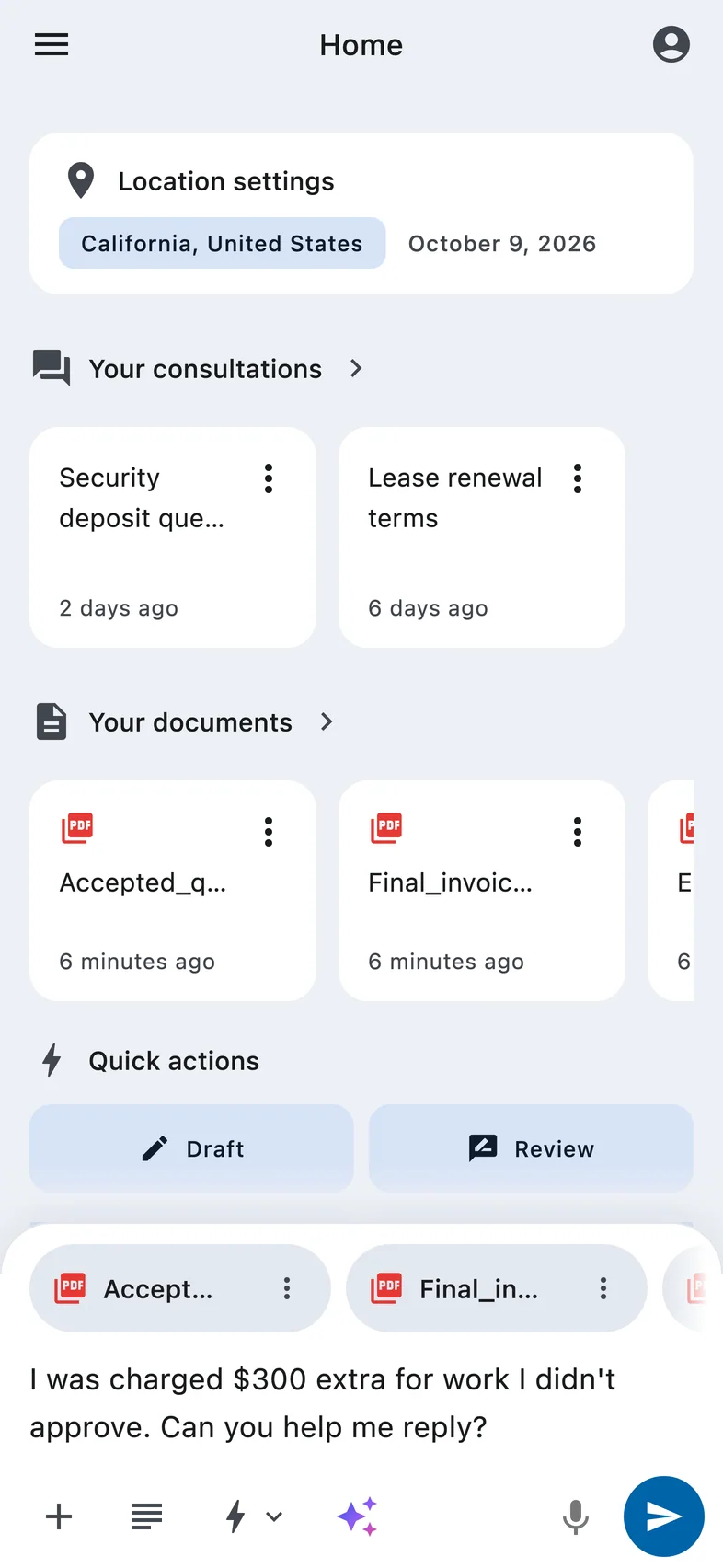
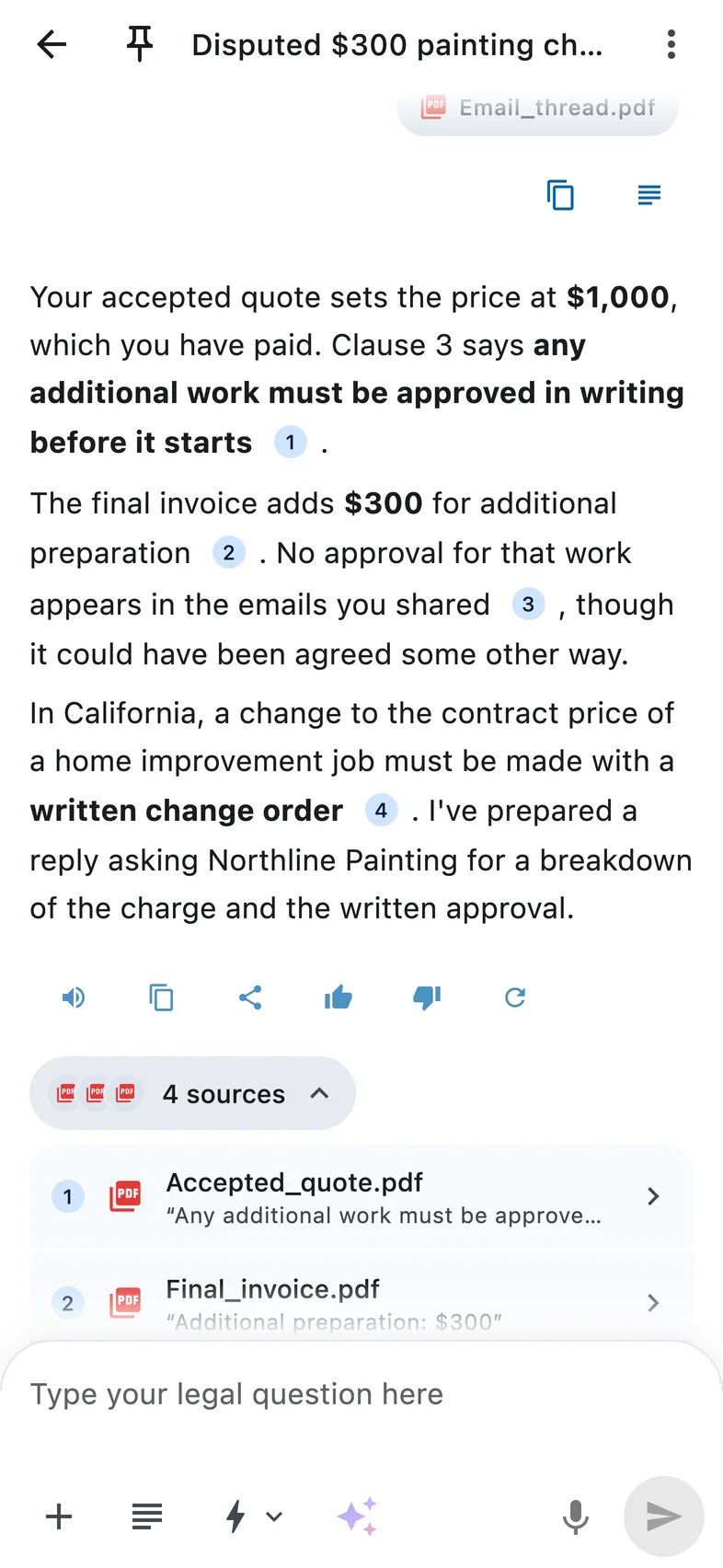
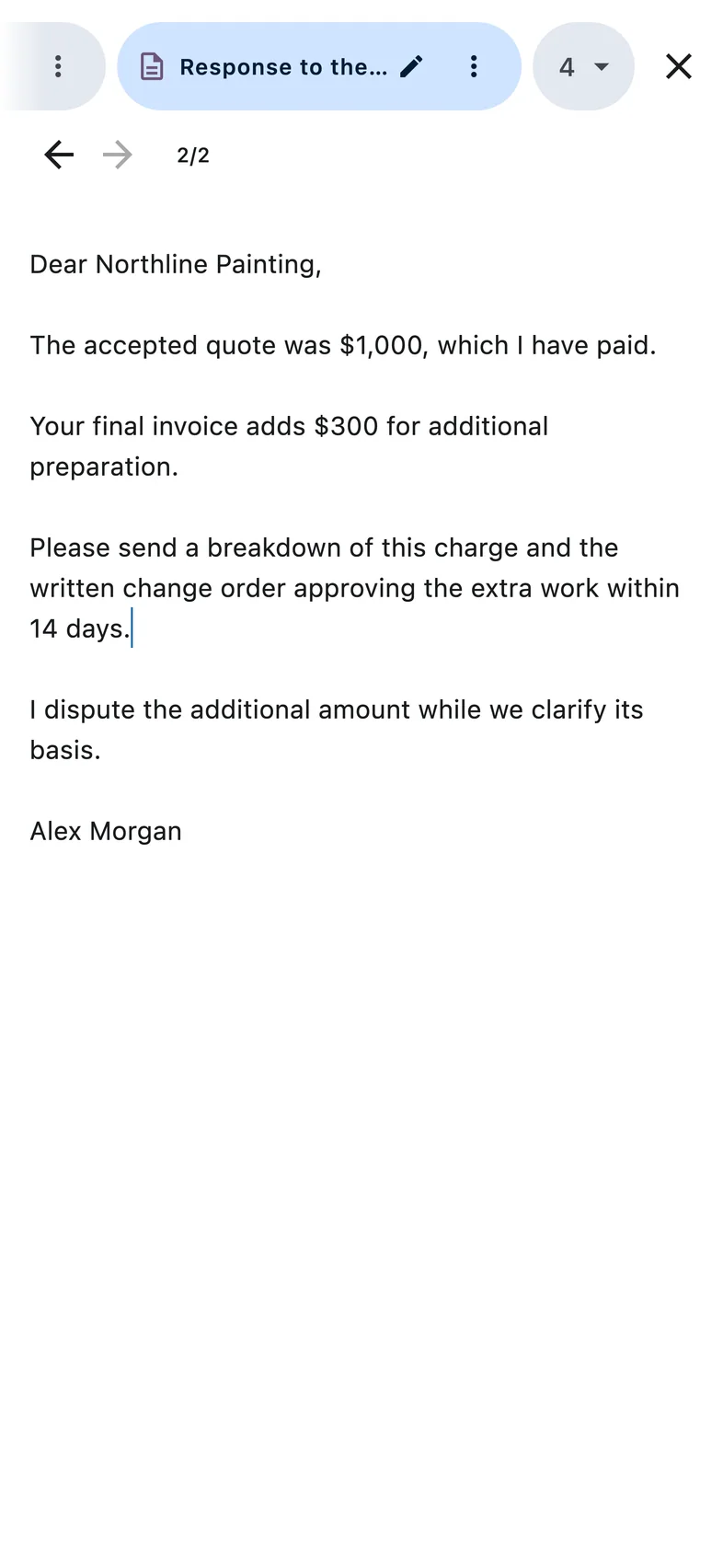
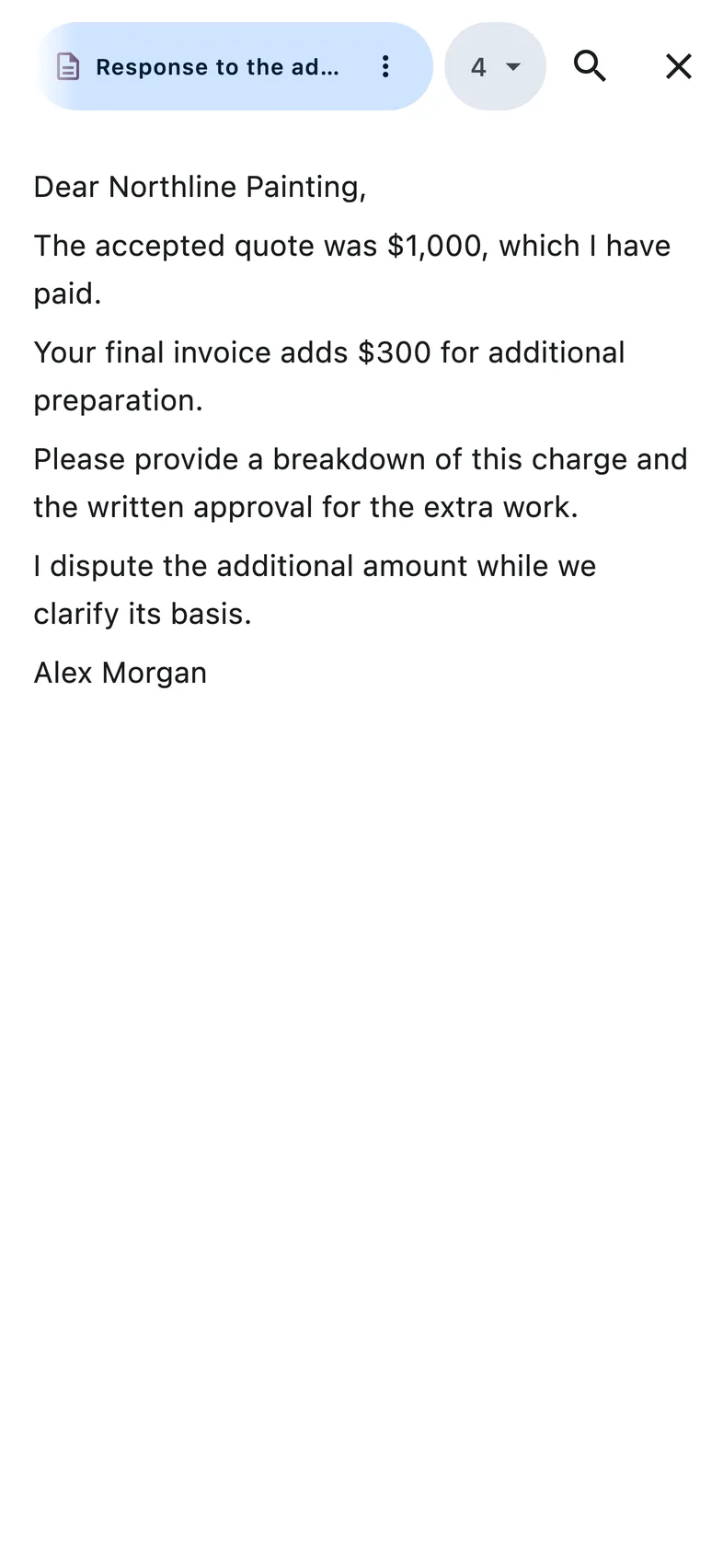
Compare the quote, invoice and emails. Prepare a clear reply.
Keep your documents, sources and draft together, from the first question to the final edit.
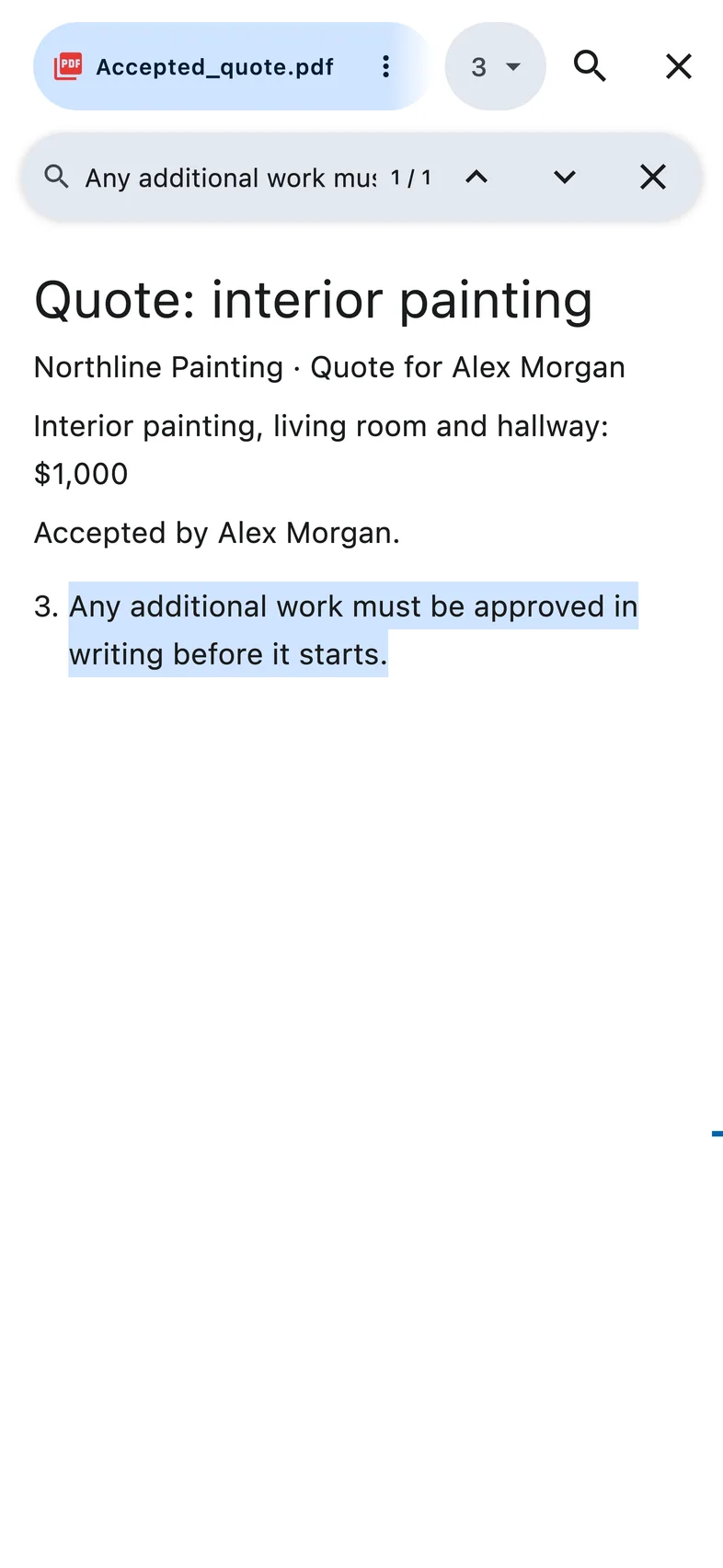
Explore clauses in a contract or lease and see which passages support the explanation.
Compare the quote, invoice and emails. Prepare questions about what was agreed.
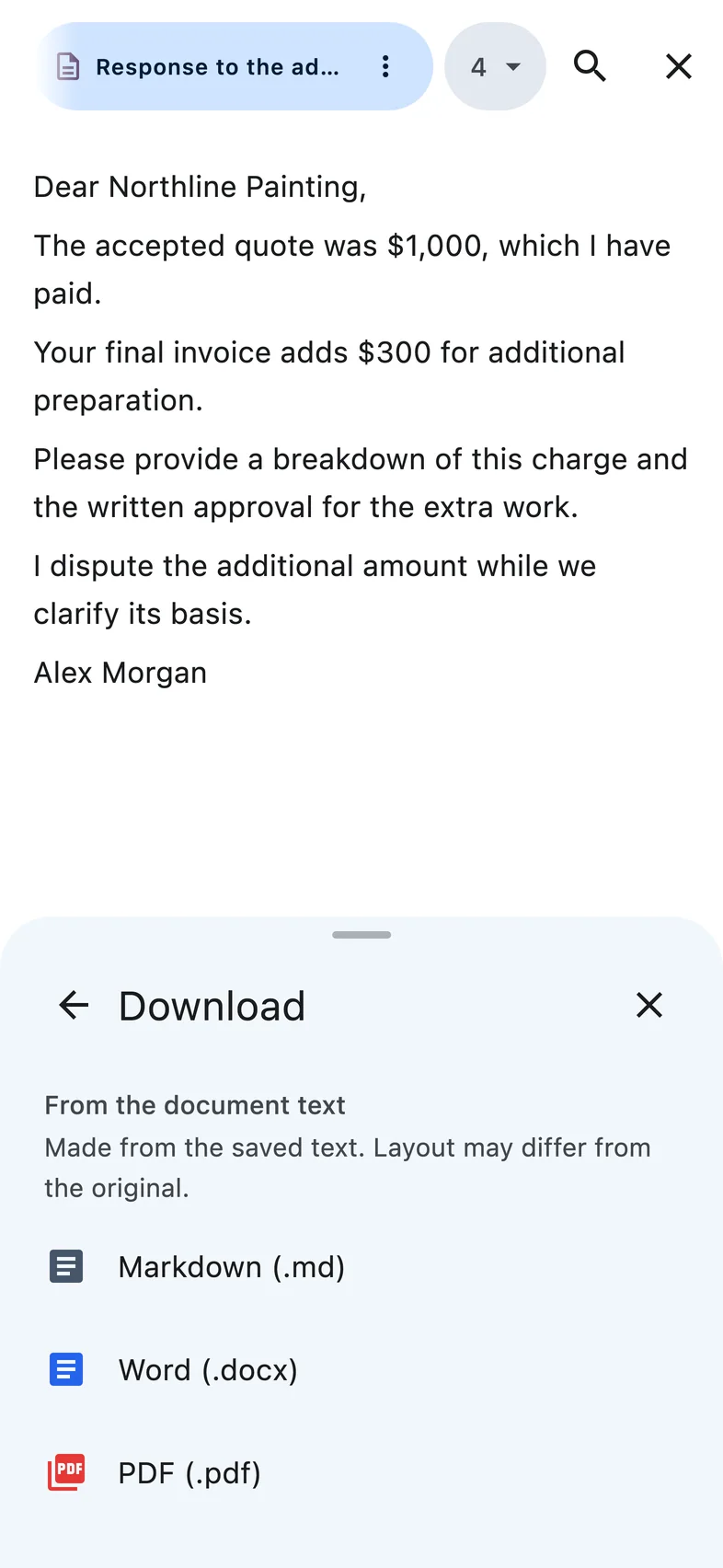
Turn the facts into a draft, edit the wording and download a document you can review before sending.
Compare your lease, checkout records and deductions. Draft a request for repayment or an explanation.
Review your contract, policies and emails. Prepare a reply to HR or your employer.
Bring your lease, photos and messages together. Draft a repair request that explains what needs fixing.
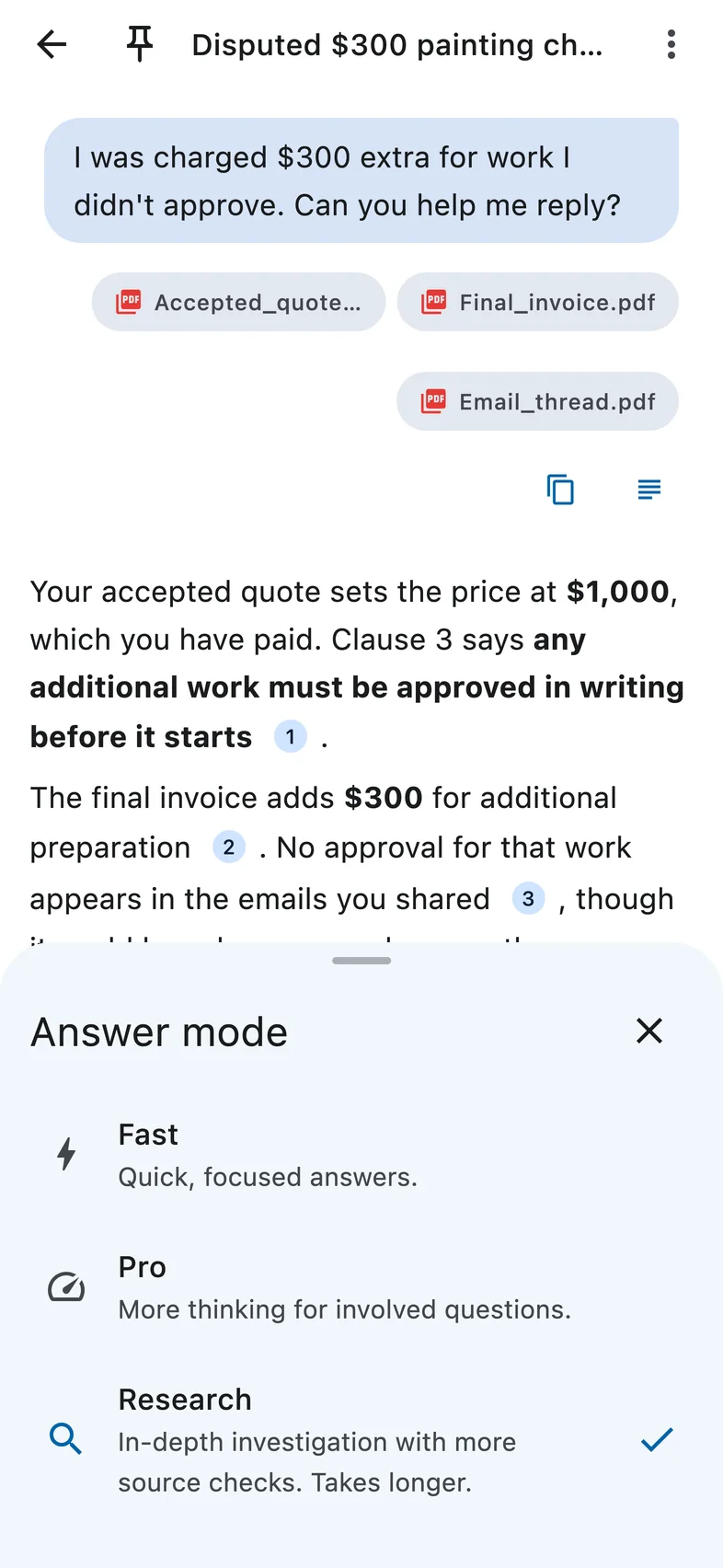
Ask questions, add documents and try the core workflow within a daily message limit.
A subscription gives you higher usage limits and access to Pro and Research. Check current limits, prices and terms in the app before buying.
Ask legal questions, explore your documents and prepare editable drafts. Answers can include sources you can open and check.
Yes. You can ask questions, add documents and try the core features within free usage limits. Current limits are shown in the app.
A subscription gives you higher usage limits and access to Pro and Research. Review the current limits, prices and subscription terms in the app before buying.
If you can’t subscribe through the App Store or Google Play, try the browser app. Open app.aireadslaw.com, sign in with the same email address you use in the mobile app, and subscribe there. Then sign in on your phone with that same email address to use your subscription. You can also use AI Reads Law directly in your browser. If you still have trouble, contact us with a screenshot of the error, with any payment details hidden.
Yes. Open the browser app and sign in with the same account to continue your conversations across devices.
Your questions and documents are processed to provide the service, including through AI providers. Read our Privacy Policy before sharing sensitive information.
You can request deletion in the app, or contact us directly from the email address registered to your account. We may need to verify your identity before processing your request. Our Privacy Policy explains retention and any legal exceptions.
No. AI Reads Law provides AI-generated information, not professional legal advice. AI can make mistakes. Check important information and consult a qualified lawyer for advice on your situation.

Describe your situation. Review the details. Prepare your reply.